Computer & Digital Foundations
Grades 5–8
Build confidence with computers, files, the internet and responsible digital habits.
Typing accuracy · Digital organisation · Safe research · Responsible online behaviour
View ProgrammeLive online education · Grades 5–11
Discover the world of technology through interactive online learning, practical projects and expert-led instruction. Build the digital skills and confidence to shape tomorrow.
Programmes
Six subject areas, each designed for a clear range of grades.
Grades 5–8
Build confidence with computers, files, the internet and responsible digital habits.
Typing accuracy · Digital organisation · Safe research · Responsible online behaviour
View ProgrammeGrades 5–9
Learn to write, calculate and present clearly using everyday office software.
Document formatting · Data handling · Presenting ideas · Digital collaboration
View ProgrammeGrades 5–11
Learn to think like a programmer, from visual blocks to text-based languages such as Python.
Logical thinking · Problem solving · Coding fluency · Debugging
View ProgrammeGrades 7–11
Plan, design and build real web pages with HTML, CSS and JavaScript.
Web page structure · Visual design · Responsive layout · Front-end coding
View ProgrammeGrades 8–11
Understand how AI works, where it is used and how to use it responsibly and creatively.
Critical thinking · AI literacy · Ethical reasoning · Curiosity about emerging tech
View ProgrammeGrades 8–11
Organise information with databases and bring ideas together in creative digital projects.
Data organisation · Digital design · Project management · Presentation
View ProgrammeLearning pathways
Build core computer skills, typing, safe internet use and first steps in visual coding.
Move into text-based programming, spreadsheets, web basics and creative projects.
Develop advanced programming, web development, databases and AI understanding.
Why NextGen IT Academy
How learning works
Discover new technology concepts.
Understand through instructor-led lessons.
Apply knowledge through practical activities.
Complete projects and demonstrate skills.
Student projects
These are sample project concepts. Real student work will be added with parental consent.
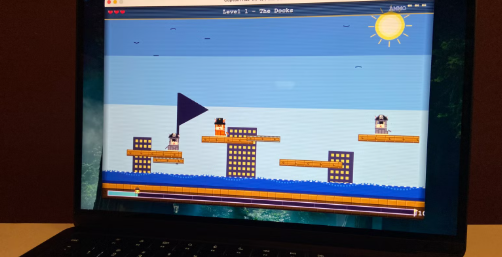 Example concept
A playable game with scores, levels and sprites.
Programming · Logic · Creativity
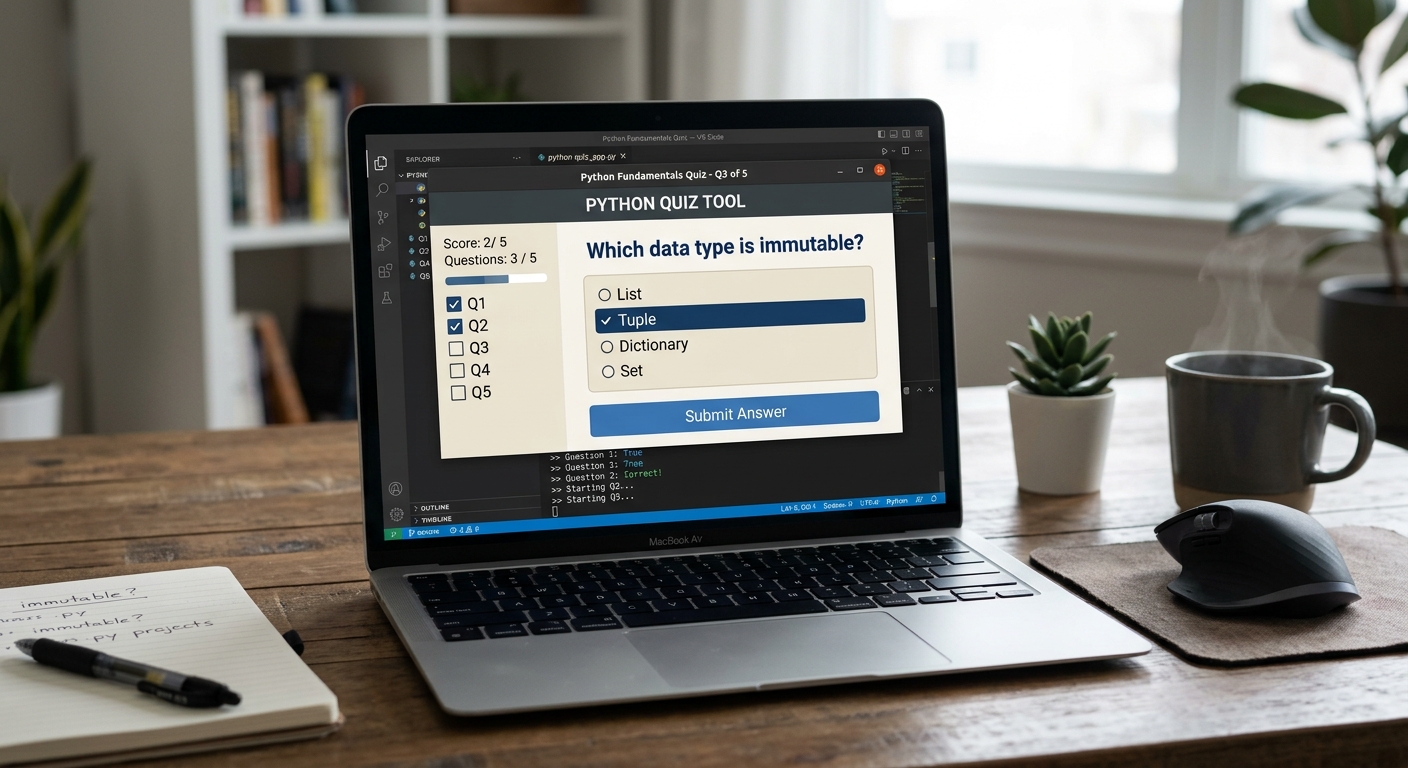 Example concept
A small tool such as a quiz or budget helper.
Python · Problem solving · Testing
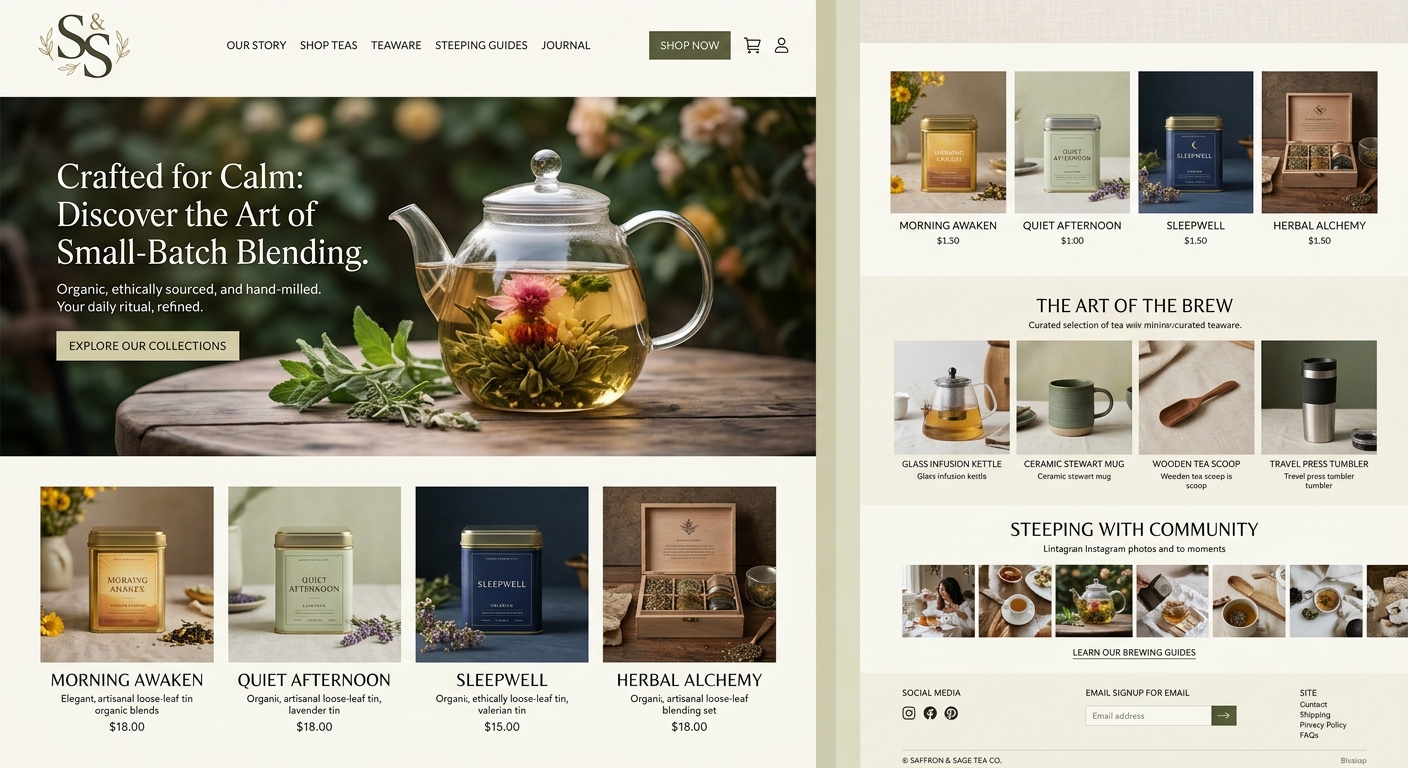 Example concept
A multi-page site that introduces the student and their interests.
HTML · CSS · Design
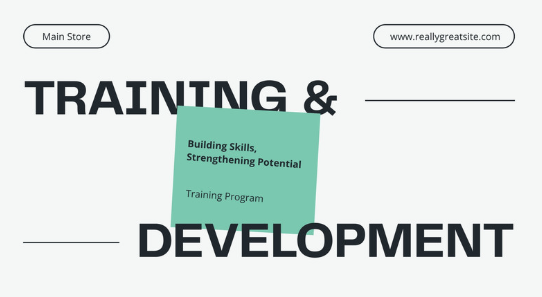 Example concept
A visual, animated talk on a topic the student cares about.
Storytelling · Design · Presenting
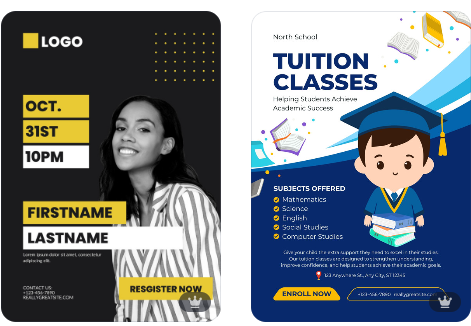 Example concept
A poster or brand concept using design principles.
Layout · Colour · Typography
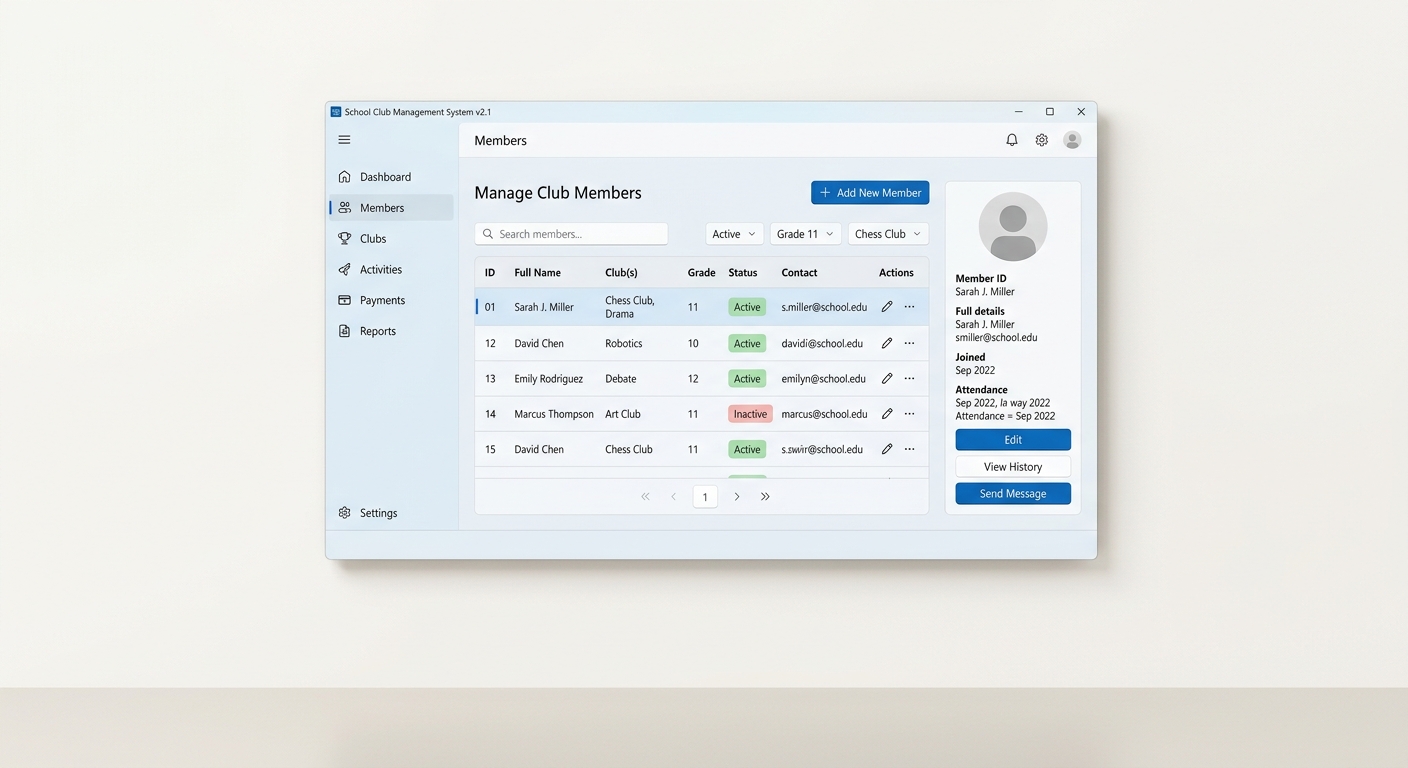 Example concept
A record system for a school club or small collection.
Data design · Queries · Organisation
Give your child the opportunity to explore, create and develop the skills of tomorrow.